Find the song from your lyrics.
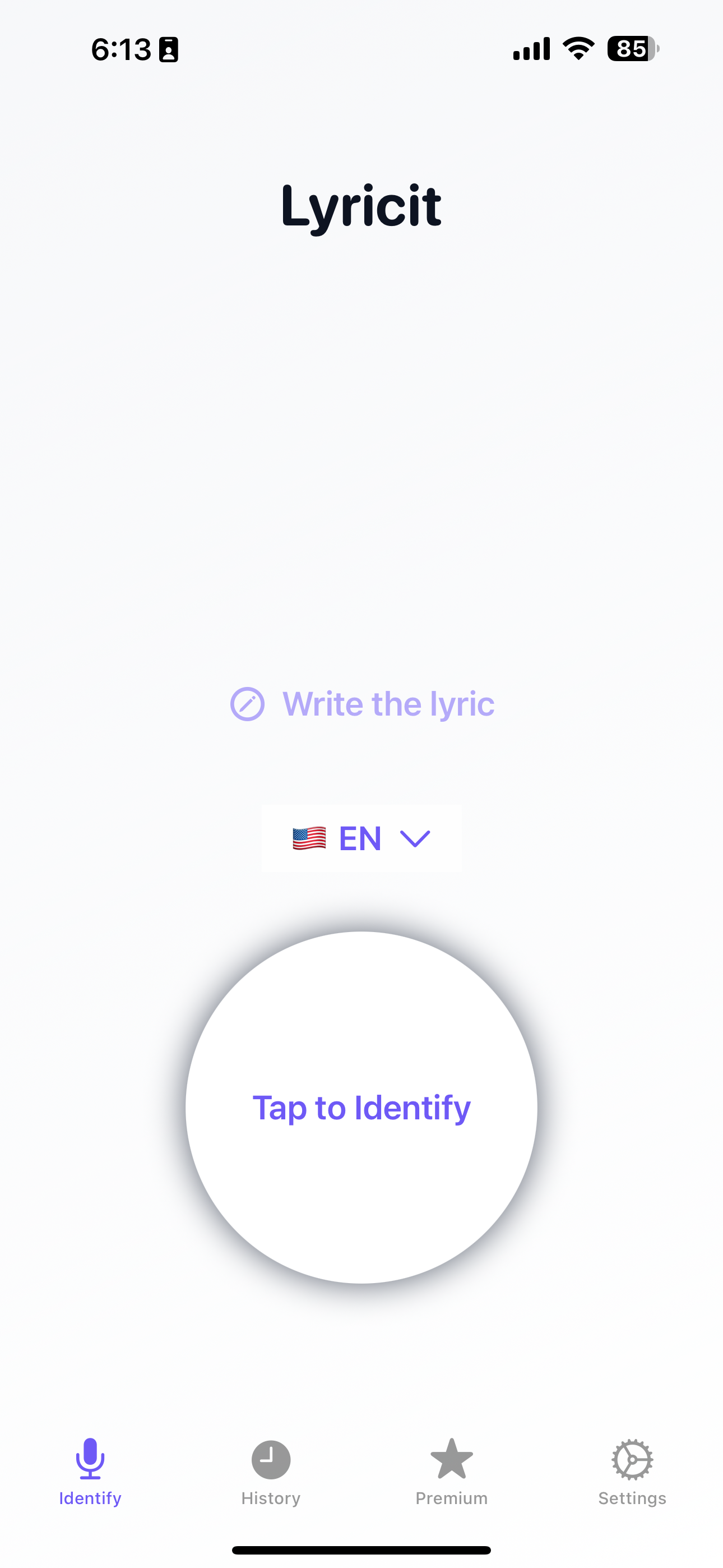
Hum, sing, or type a line. Lyricit finds the official video fast.
How It Works
Three simple steps to find any song
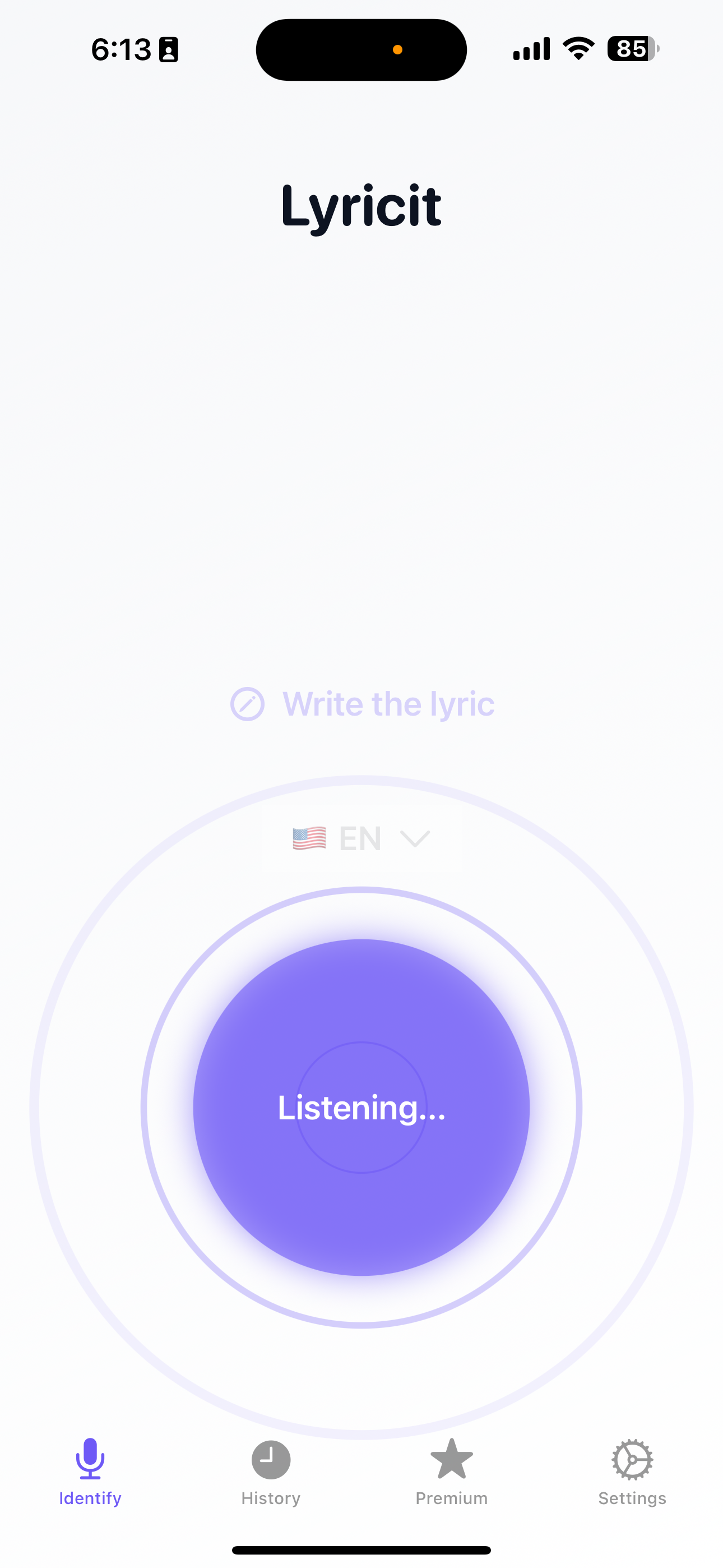
Sing or type a lyric
Use your voice or keyboard to input any part of the song you remember
Lyricit matches title + artist
Advanced recognition instantly identifies the song from your input
Opens the official YouTube video
Watch and listen to the full song on YouTube instantly
Features
Everything you need to find any song
Voice or text lyric recognition
Sing, hum, or type lyrics to find any song instantly
Official YouTube link preview
Direct access to official music videos and live performances
History + Favorites
Keep track of all your discovered songs in one place
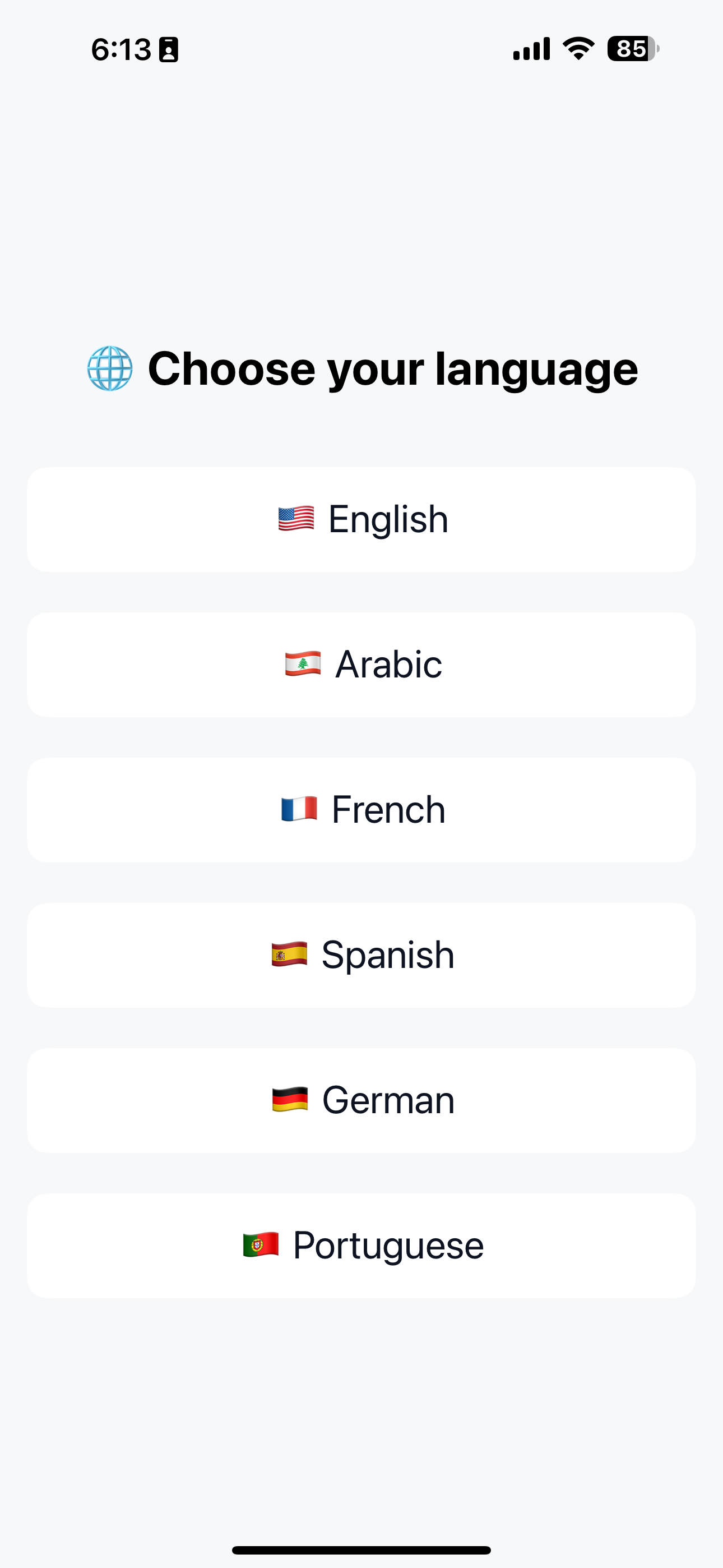
Localized UI + RTL Arabic
Support for English, Arabic, French, Spanish, German, Portuguese
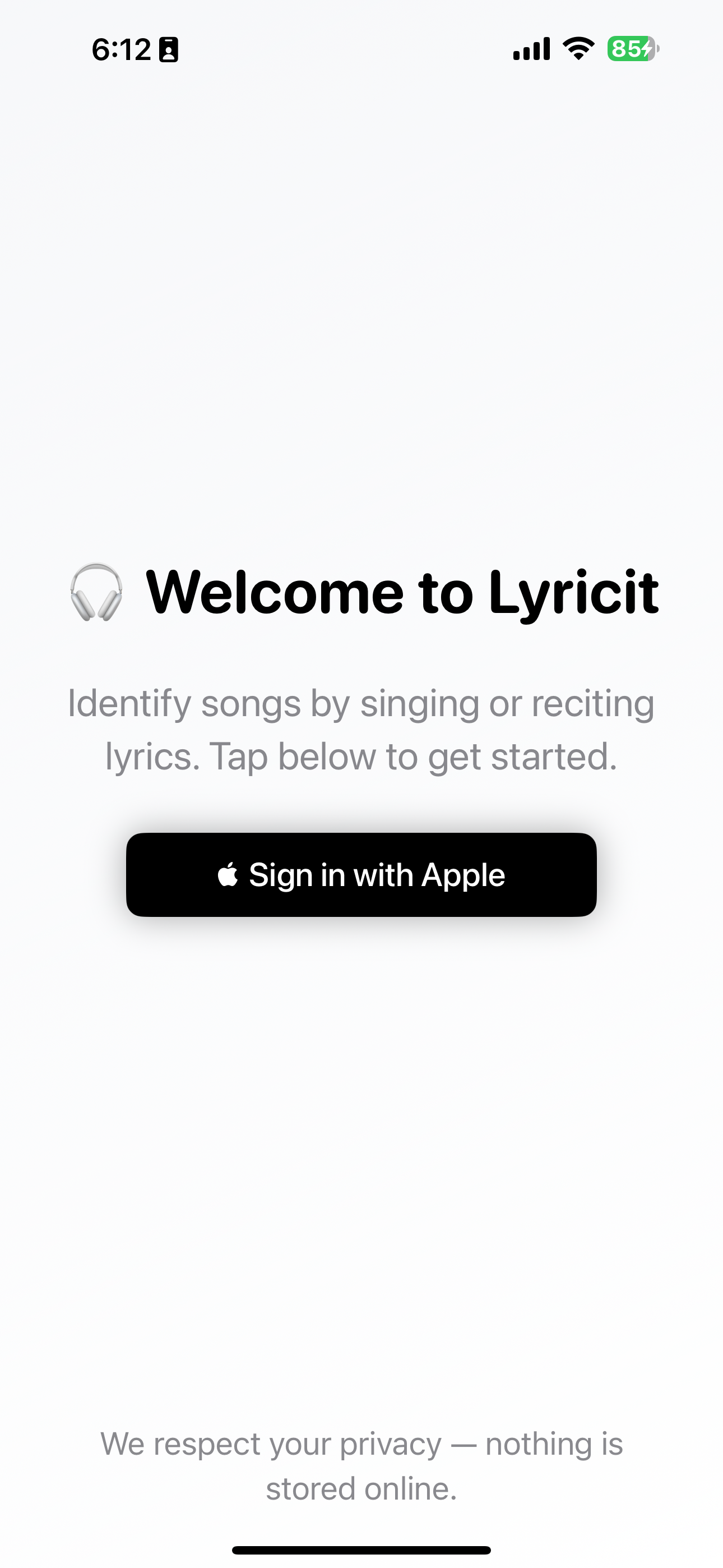
Sign in with Apple
Secure, private authentication with your Apple ID
Lightweight + Private
No voice data stored, fast processing, minimal app size
See Lyricit in action
Frequently Asked Questions
Lyricit didn't find my song
Try singing a different part, ensure a quiet environment, or type lyrics manually.
Why does Lyricit open YouTube instead of playing songs directly?
It links to the official YouTube video to support creators and ensure accuracy.
Can I see songs I've already identified?
Yes — open History to view past songs.
How do I clear my history?
Settings → History → Clear → Confirm.
What languages does Lyricit support?
English, Arabic, French, Spanish, German, Portuguese.
Contact Us
Email [email protected] — we aim to reply within 24 hours.